第一篇 搭建前端
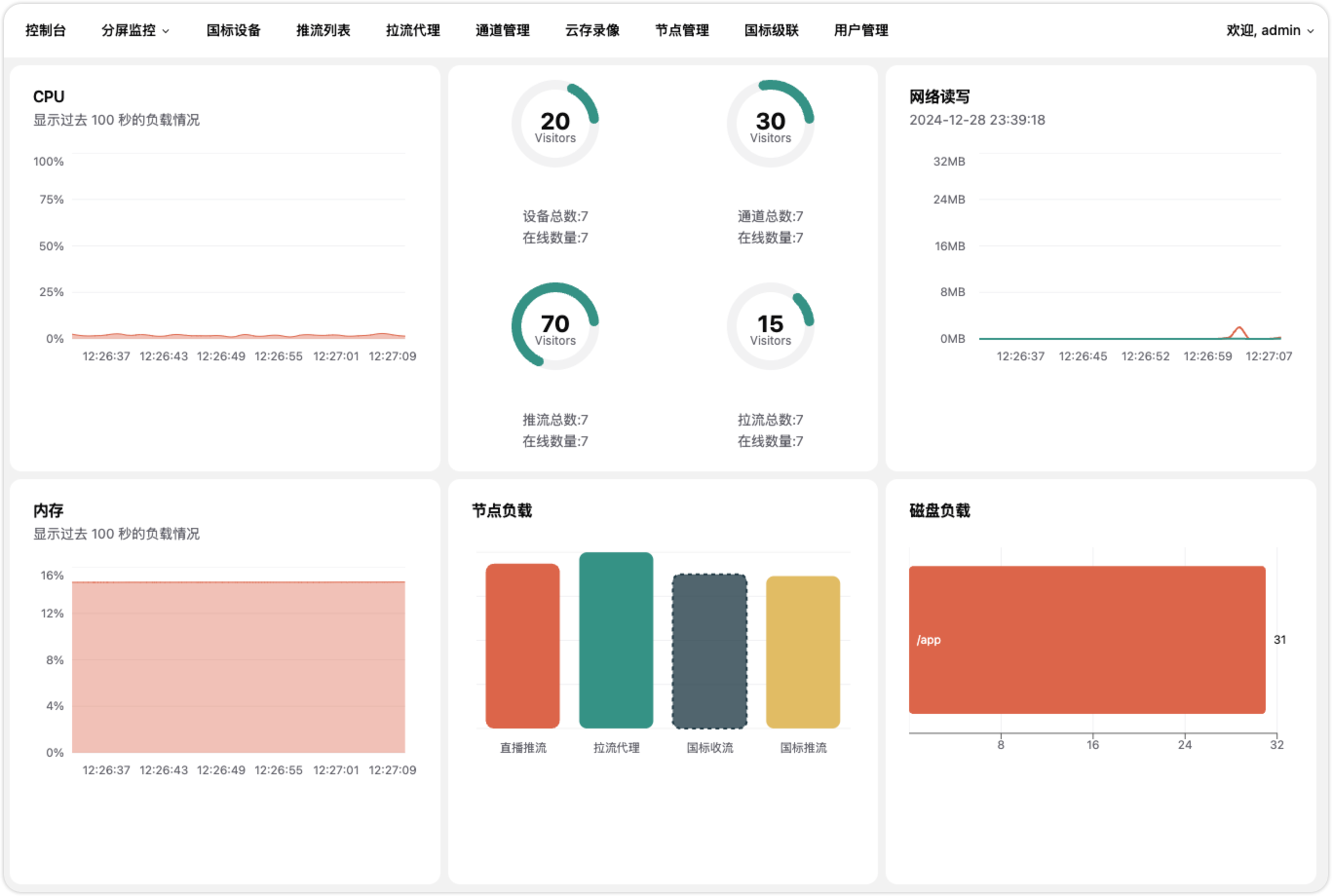
此项目要求 node.js 版本 >= 20+, 小于此版本请先安装 node.js v20.18.1(LTS)。
下载地址: https://nodejs.org/zh-cn/download
创建项目
yarn create vite
按照提示,依次完成
- 输入项目名称
gb28181_web - 选择框架
react - 选择模板
react router v7
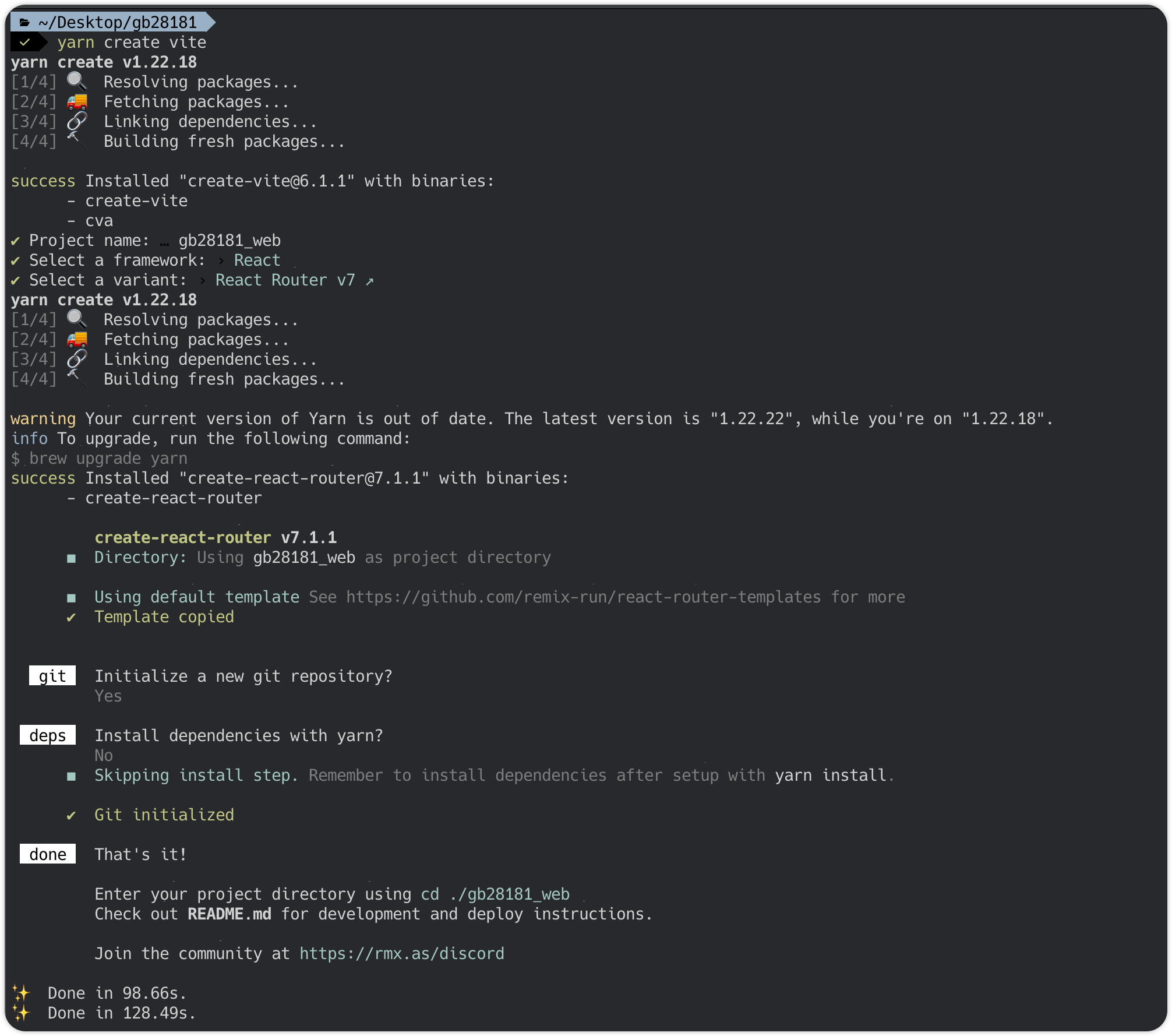
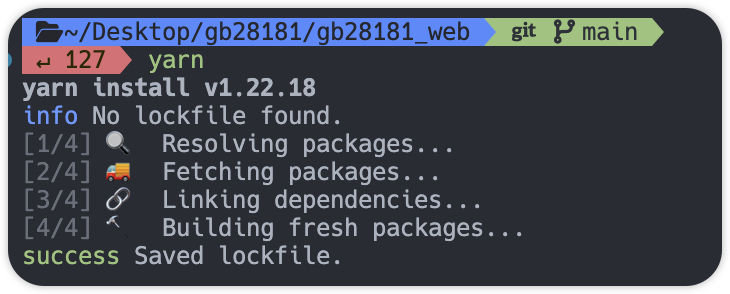
上面截图中是否安装依赖选择了 NO ,所以我们要手动安装依赖,在终端执行 yarn,稍等片刻。
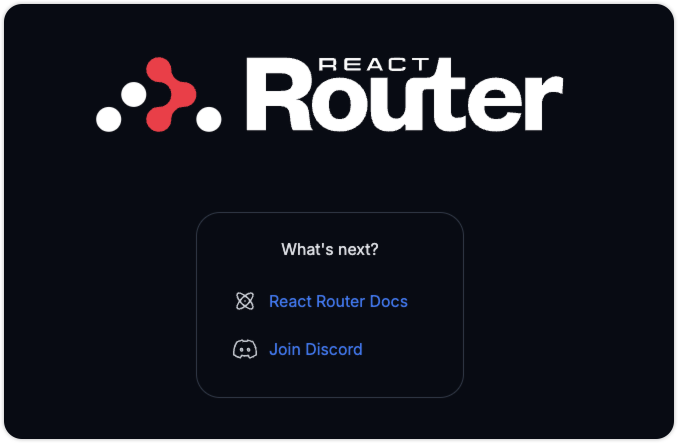
执行 yarn dev 并打开http://localhost:5173/ 网页,可以看到如下效果。
修改 react-router.config.ts 中 ssr: false,SSR 是 Server Side Rendering 的缩写,即服务器端渲染。它是一种 Web 应用的渲染方式,与客户端渲染(Client Side Rendering,CSR)相对应。此项目中不使用 ssr。
安装 react query v5
yarn add @tanstack/react-query
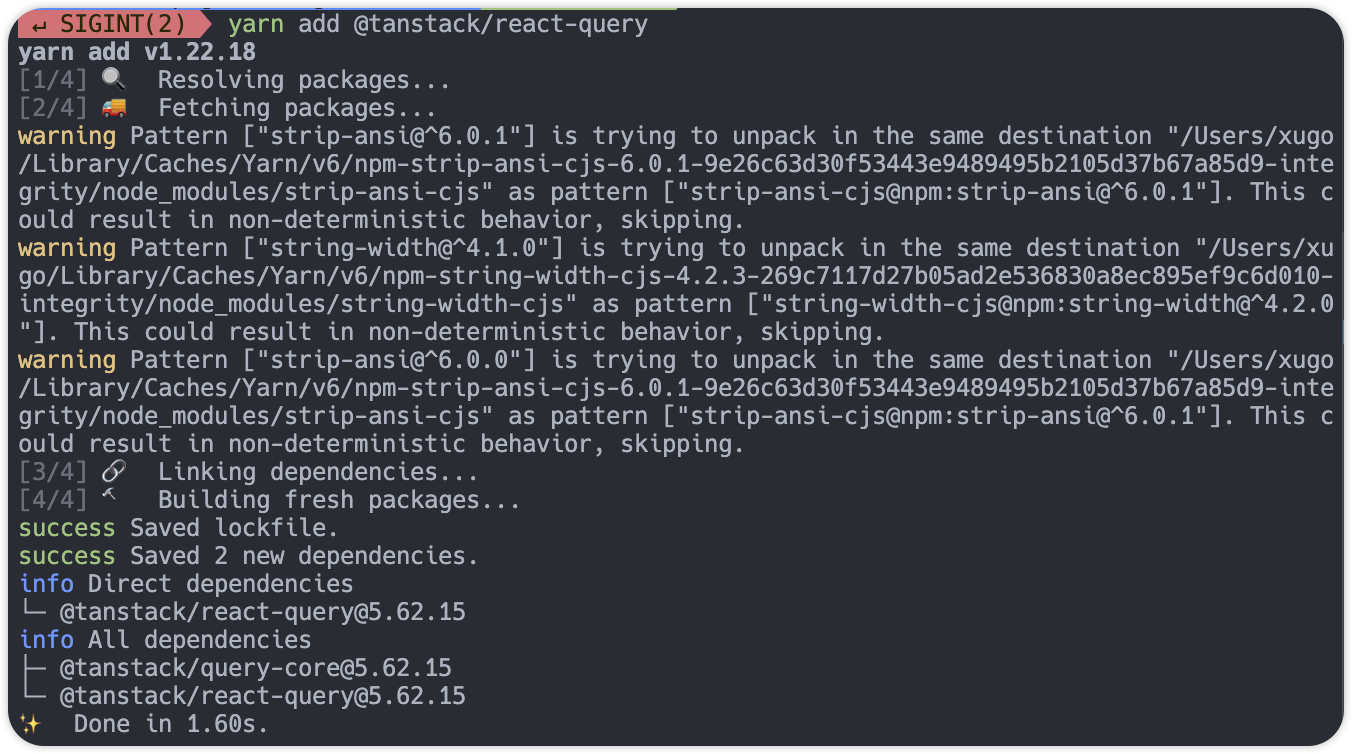
在 app/root.tsx 文件中新增以下内容
import { QueryClient, QueryClientProvider } from "@tanstack/react-query";


const queryClient = new QueryClient({
  defaultOptions: {
    queries: {
      retry: 0,
      gcTime: 5 * 60 * 1000,
    },
  },
});


export function Layout({ children }: { children: React.ReactNode }) {
  return (
    <html lang="zh-CN">
      <head>
        <meta charSet="utf-8" />
        <meta name="viewport" content="width=device-width, initial-scale=1" />
        <Meta />
        <Links />
      </head>
      <body>
        <QueryClientProvider client={queryClient}>
          {children}
          <ScrollRestoration />
          <Scripts />
        </QueryClientProvider>
      </body>
    </html>
  );
}
安装 shadcn/ui
shadcn/ui 是依赖 tailwindcss 实现的 ui 库。
vite 创建的 react router v7 模板中默认使用了 tailwindcss,所以不必完全安装官方文档操作,从第 6 步骤开始即可。
npx shadcn@latest init
系统会询问几个问题,根据需要设置,可以进入 shadcn/ui 官网详细了解这些样式的不同,此项目咱们一路回车选择默认即可。
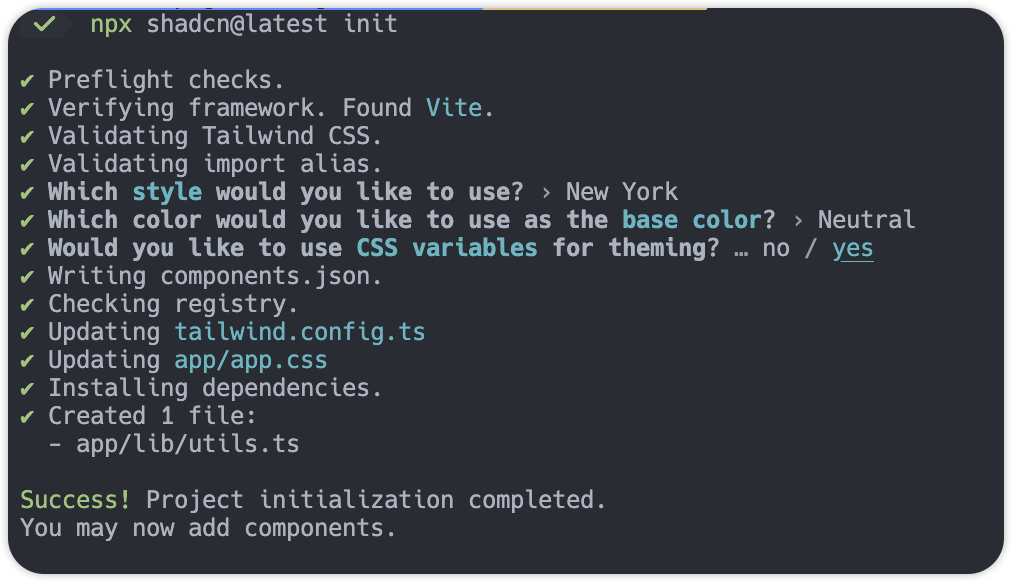
开发登录页面
将上面的项目初始化步骤提交到 git,接下来开始第一个页面,登录。
修改 app/routers.ts 文件,将路由 index("routes/home.tsx") 修改为 index("login/login.tsx")。index 函数用于指定路由组件中的默认子路由,此处修改后,访问 http://localhost:5173/ 将默认跳转到登录页面。
创建文件 app/login/login.tsx 写入函数。
import React from "react";

export default function LoginView() {
  return <div>login</div>;
}
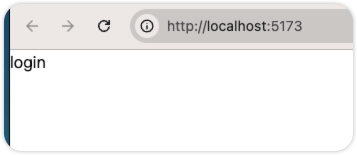
执行 yarn dev 访问 http://localhost:5173/ 查看效果。
参考 shadcn/ui 的登录页面,导入相关依赖,此操作会将组件添加到 app/components/ui 目录下。 shadcn/ui 样式美观且可定制性高,它通过终端命令将组件添加到项目目录中,开发者可以在本地轻松对组件修改。
npx shadcn@latest add tabs
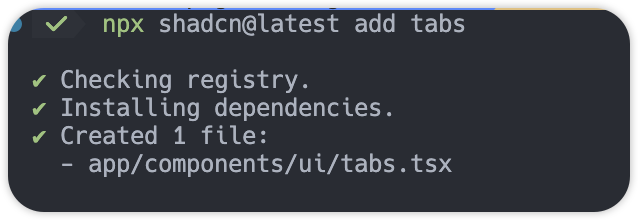
接下来将 shadcn/ui 页面上的源代码拷贝过来
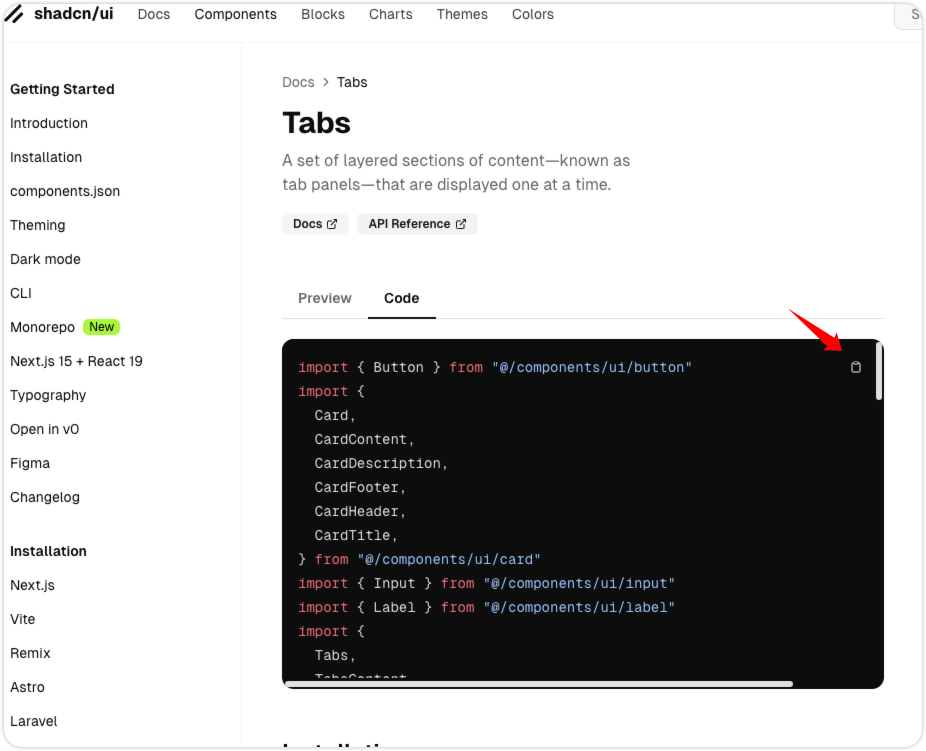
将缺失的 button,input,label,card 组件依次补上
npx shadcn@latest add button
npx shadcn@latest add input
npx shadcn@latest add label
npx shadcn@latest add card
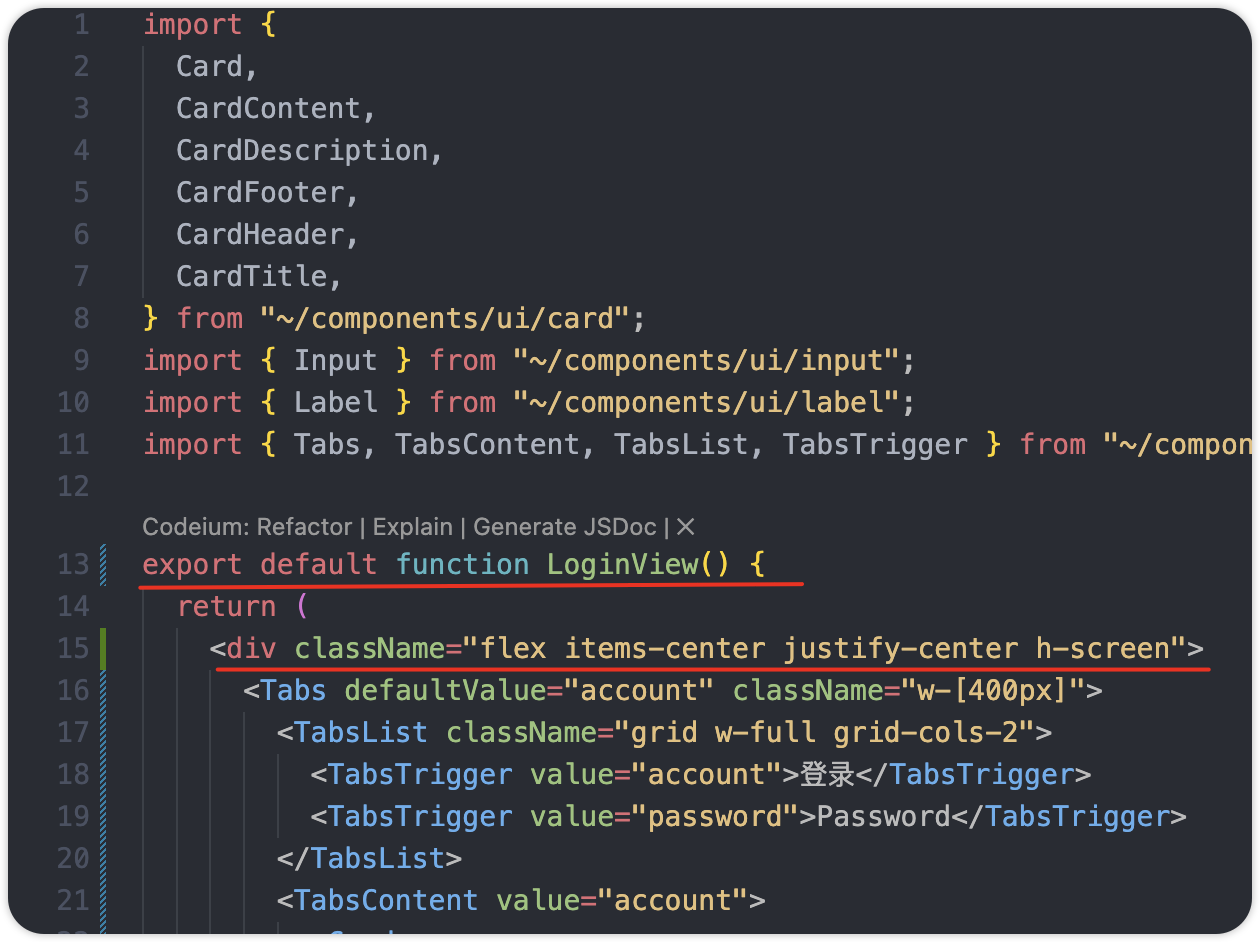
文件长这样,源码拷贝后增加 dev 标签包裹,设置 className 达到居中效果。
根据需要优化页面 css,最终效果如下图所示
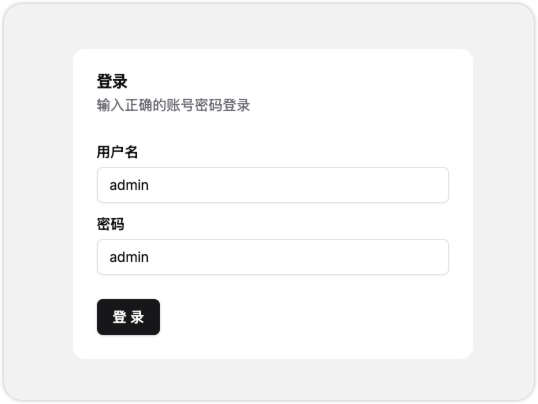
登录按钮事件可以使用
import { useNavigate } from "react-router";
const navigate = useNavigate();

<Button onClick={() => navigate("/home")}>登 录</Button>
参考
[搭建 vite 项目 官方文档](https://cn.vite.dev/guide/)
[react query v5 安装 官方文档](https://tanstack.com/query/v5/docs/framework/react/installation)
[react query v5 快速开始 官方文档](https://tanstack.com/query/v5/docs/framework/react/quick-start)
[shadcn/ui 安装 官方文档](https://ui.shadcn.com/docs/installation/vite)
[react router v7 useNavigate 官方文档](https://reactrouter.com/start/library/navigating#usenavigate)